Confirmations & Reminders
Email and SMS notifications ensure no one forgets a booking

Keep everyone informed
Keep your customers, your team, and yourself informed about every appointment in real time
- Reduce no-shows: automated reminders ensure your clients or team members are always aware of upcoming commitments, decreasing the likelihood of missed appointments or last-minute cancellations. Combine with online payments to further reduce cancellations
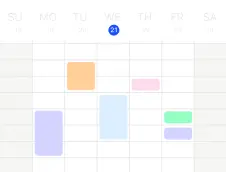
- Stay organized: receive notifications for new appointments and reminders for upcoming ones, helping you stay on top of your schedule
- Enhance client interaction: timely communication ensures your clients are always informed and prepared for their appointments
- Accommodate digital appointments: let clients schedule virtual appointments which automatically include your unique Zoom or Google Meeting link. Keep calendars aligned with calendar synchronization
- Update your team: use notifications to update your own team, e.g. send a Slack message when a meeting room should be prepared for an upcoming meeting
Notification features
Customize how and when everyone receives updates
- Confirmations: receive automatic confirmation emails or SMS when a booking is added to your schedule (or when a booking is cancelled)
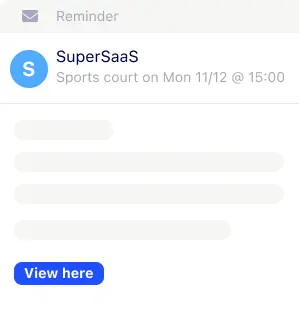
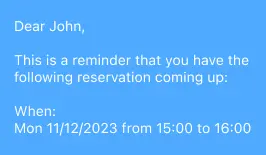
- Reminders: automatically send email- or SMS reminders to customers at a certain time before the scheduled appointment time
- Follow-up: send follow-up messages after the appointment to share relevant information, request feedback or generate customer reviews
- Customize: insert dynamic texts, for example, to address users by name or confirm the details of the booking. Match your brand with custom layout options
- iCal attachments: enhance communication and reduce no-shows by including iCal attachments in booking confirmations, enabling clients to add appointments to their calendars with a single click
- Email domain: send your reminders & notifications with your own “From” address or through your own email provider
Setting up notifications
Activate and customize notifications in minutes, without any technical knowledge
- Enable notifications: log in to your SuperSaaS dashboard, and enable the messages you want to send for each of your schedules
- Select type of message: sending e-mail confirmations and reminders works out-of-the-box. For SMS messages simply enter the SMS gateway settings of a provider
- Customize your messages: customize the message content and format for each type of message, which can be different per schedule
- Automation in action: once set up, SuperSaaS automatically sends out notifications whenever new appointments are booked or upcoming appointments are nearing